 Encorette
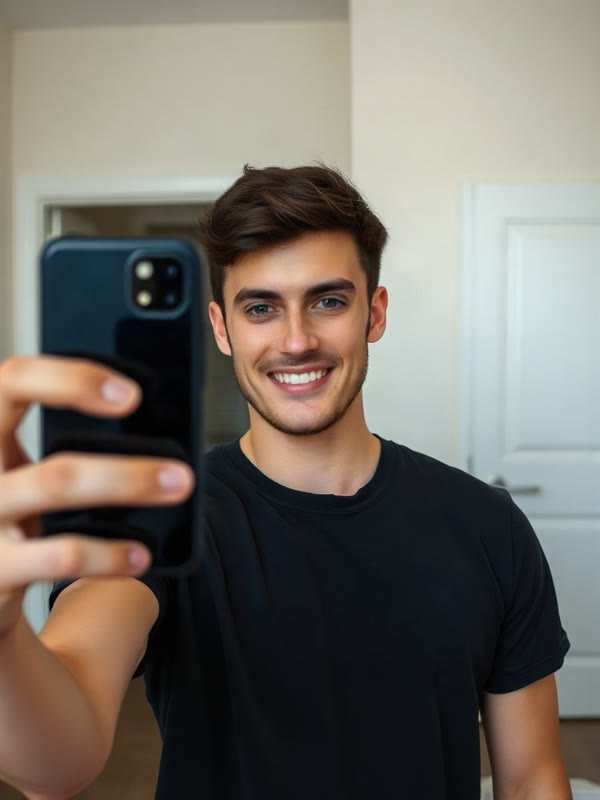
Real output. The host is an AI-generated person, not a customer.
Burning Bridges AI Video: Put Yourself in the Party
Upload one selfie. We generate you, from your real face, as the host of the chandelier party.
- Starring
- You
- Location
- The chandelier room
- Ready in
- About 7 minutes
How the Burning Bridges AI video maker works
Upload one selfie
Pick a clear photo of yourself with your face and upper body in view. Good light helps. We check every photo for safety before anything else happens.
We generate your video
From your real face, our AI generates you as the host of the party scene, with the room, the chandeliers, the crowd and the handheld camera moves of the original moment.
Download and post
In about seven minutes your Burning Bridges AI video is ready to watch and download as an MP4. Post it to TikTok, Reels or X and add the trending sound.
What you get with every Burning Bridges AI video
- Length
- 15 seconds
- Format
- 16:9 MP4
- Quality
- 768p or 1080p
- Sound
- Original audio, optional
- Watermark
- None
- Who sees it
- Only you
Each video is a 15-second, 16:9 MP4 in 768p or 1080p with no watermark. It covers the part of the party scene everyone recognizes: the host in the middle of the room, the crowd raising silver cups, the pointing and the toasting, all under the chandeliers.
Original sound is off by default. That keeps the file clean for TikTok, where you can attach the official trending sound in one tap. If you want the original audio baked in, switch it on before you generate.
Photo tips for a better result
Works best
Generation works best with a sharp, well-lit photo of one adult looking roughly toward the camera. Shoulders and upper body in frame give the model more to work with than a tight face crop.
Avoid
Avoid sunglasses, heavy filters, group photos, very dark rooms and photos where your face is partly covered. If a photo doesn't pass our safety check, you are not charged and you can try another one.
Simple pricing for your Burning Bridges AI video
Pay once, no subscription. A 768p video uses 2 credits and a 1080p video uses 3, and credits never expire. If a video fails or doesn't pass the safety check, the credits come back to your account automatically.
Starter
2 credits. 1 video at 768p.
$9.99
1 video at 768p
PopularMost popular
6 credits. 3 videos at 768p or 2 at 1080p.
$26.99
$9.00 per 768p video
Crew
20 credits. 10 videos at 768p or 6 at 1080p.
$79.99
$8.00 per 768p video
One-time payment through Stripe. All purchases are final. Credits never expire, and a failed video returns its credits.
About the Burning Bridges trend
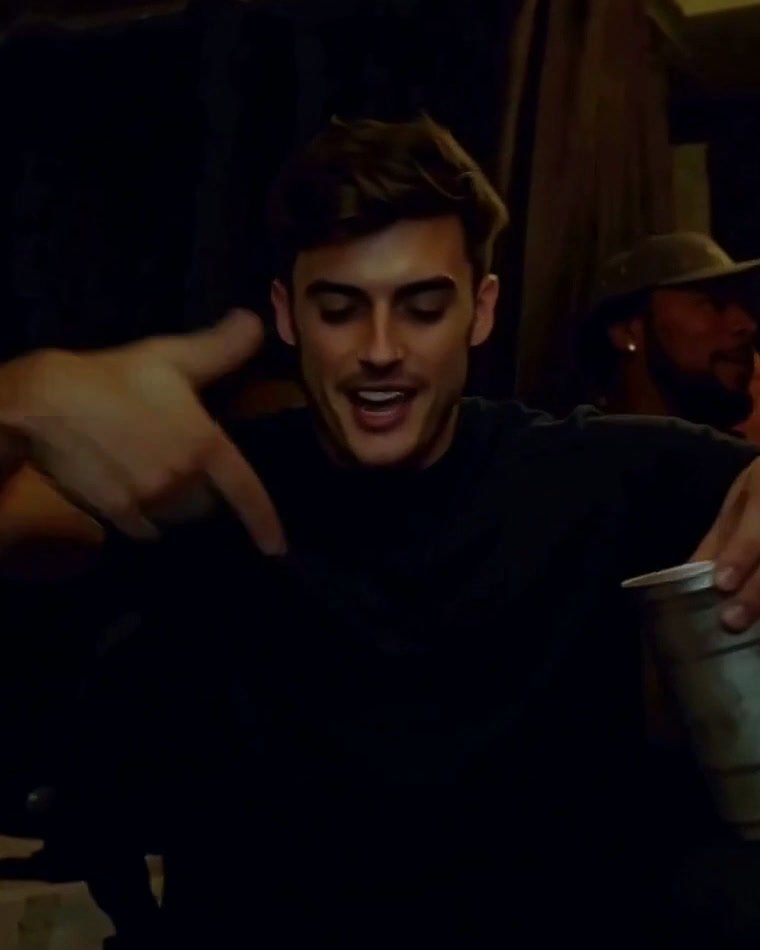
In October 2026 a short clip from the Burning Bridges music video took over TikTok, Threads and X. The scene is simple and instantly recognizable: a private dining room lit by crystal chandeliers, a packed table of friends, a handheld camera swinging around the room, and a host who points, toasts and asks "Where she at?".
People started putting themselves, their friends and even cartoon characters into that moment. A Burning Bridges AI video works because the scene is a ready-made stage: the energy, the camera and the crowd are already there, and the only thing that changes is who sits at the center of it.
Until now, making your own version meant learning a professional AI video tool, finding the right clip, trimming it and editing yourself in by hand. This site turns that into one upload: you bring the selfie, and we handle the generation, the safety checks and the export.
Behind the scenes, a video model generates you from your real face inside the party scene, following the moment's movement and handheld camera, and lights you to match the warm chandelier light of the room. The result is a Burning Bridges AI video that keeps the motion and atmosphere of the original while you take the lead.
A few ideas that work well: make one for your group chat, surprise a friend on their birthday, recreate the moment with your sports team, or post a before-and-after of your selfie next to the finished clip. Keep it fun and only use photos you have permission to use.
Safety and privacy
Every uploaded photo is checked by an automated safety filter before a video can be made, and every finished video is checked again before you see it. Photos that show nudity, sexual content or anyone who may be under 18 are rejected, and that decision can't be overridden.
Only upload photos of yourself or of adults who have agreed to be in the video. Your uploads and videos are stored privately and are only visible to your account. Uploaded photos are deleted after 7 days and videos after 90 days.
Burning Bridges AI video FAQ
How long does it take?
Most videos are ready in about 7 minutes. You can leave the page; finished videos appear in My Videos.
Do I need an account?
Yes. Sign in with Google so your purchases and videos are tied to you and stay private.
Is there a free trial?
No. Every video costs real compute to make, so generation starts after you buy credits. If a video fails, the credits go back to your account.
Can I use a photo of a friend?
Only with their permission, and only if they are an adult. You confirm this every time you generate.
Why was my photo rejected?
Our safety filter rejects nudity, sexual content and anyone who may be a minor. Blurry or very dark photos can also fail. You are not charged for rejected photos.
Does the video include the song?
Original sound is optional and off by default. Most people add the trending sound inside TikTok when they post.
Can I get my money back?
No. All purchases are final and credits cannot be exchanged for money. If a video fails, the credits it used go back to your account automatically.
Is this site affiliated with the artist or the label?
No. Encorette is an independent fan tool and is not affiliated with Drake, OVO, Republic Records, Universal Music, Higgsfield or TikTok.